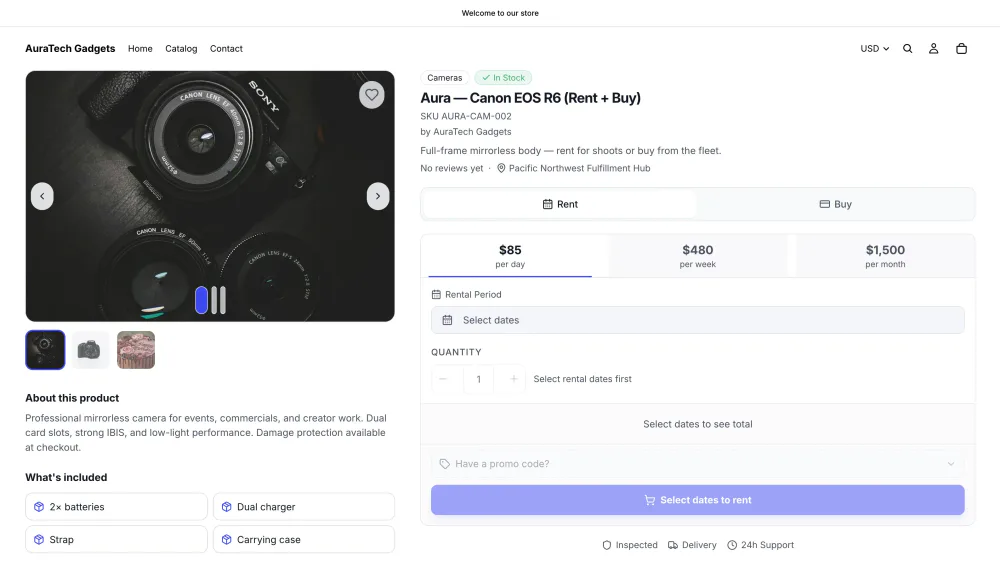
Set daily, weekly and monthly rental rates
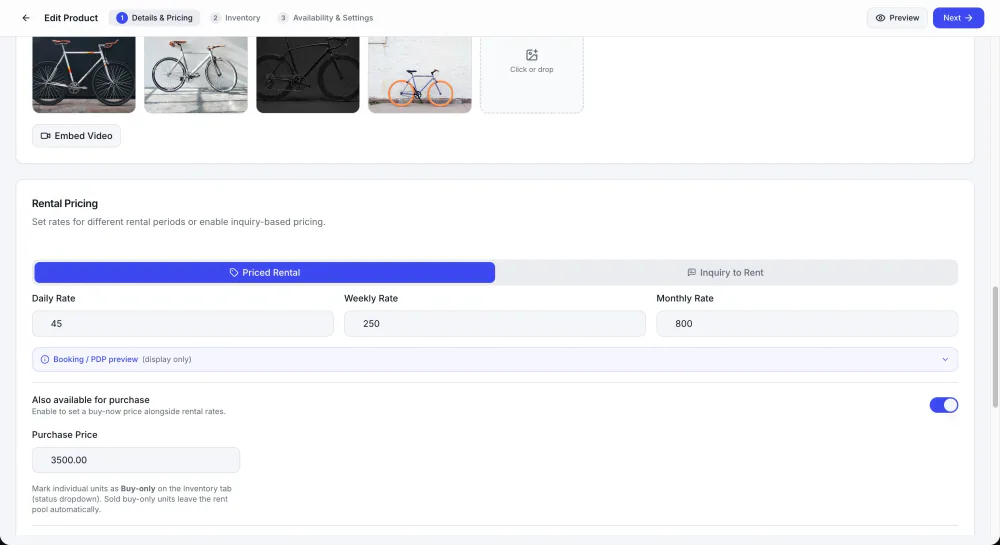
Open a product in Rental Suite and go to Details & Pricing. The Rental Pricing card has three fields: Daily Rate, Weekly Rate and Monthly Rate. A priced rental needs the daily rate. Leave the weekly or monthly field empty if you don't offer a lower price for longer rentals.
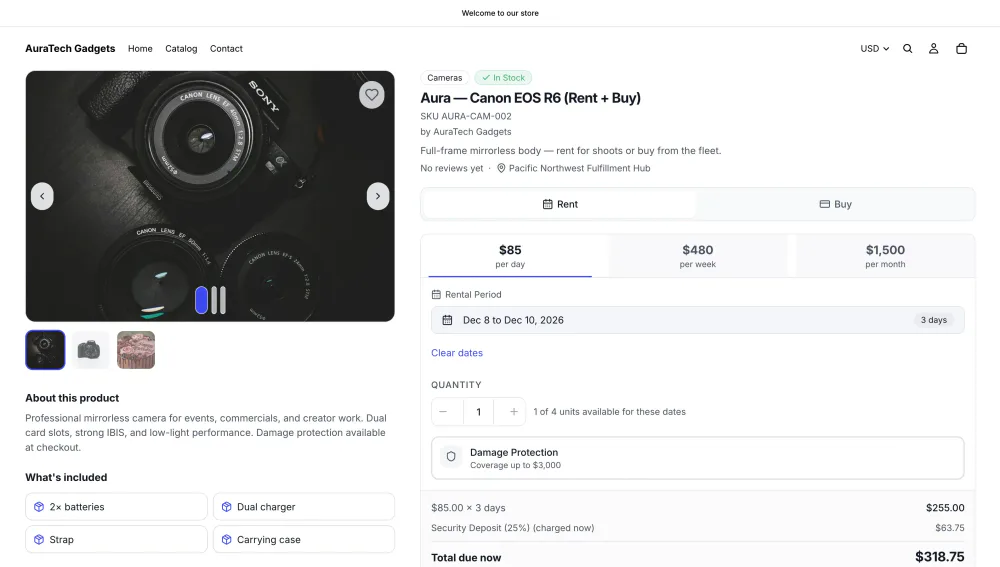
Booking / PDP preview under the fields shows how the tiers will apply before you save. On the same card, Also available for purchase adds a Buy price, and Inquiry to Rent swaps the prices for a quote form on items you'd rather price by hand (Standard plan and up).