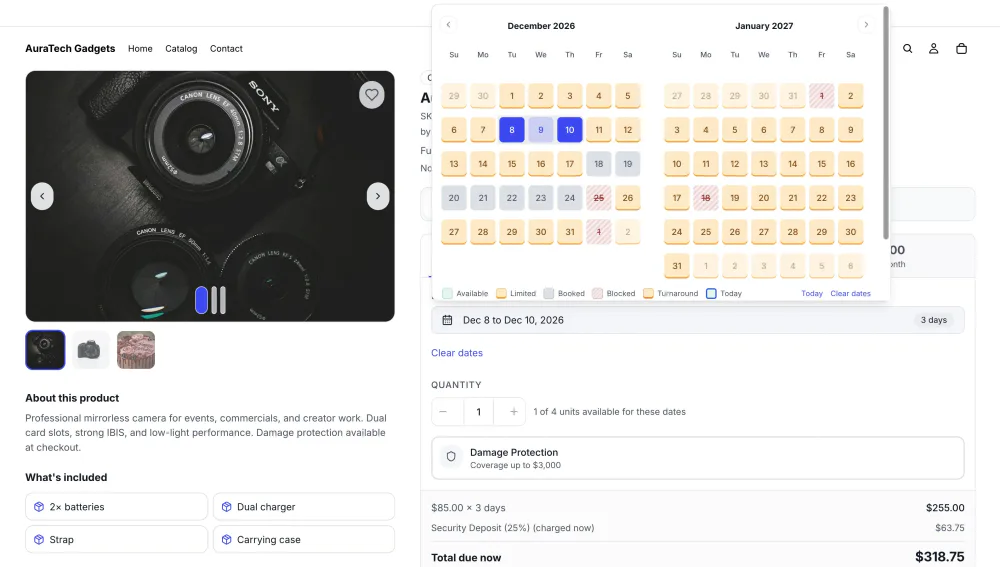
A rental booking calendar shoppers can read at a glance
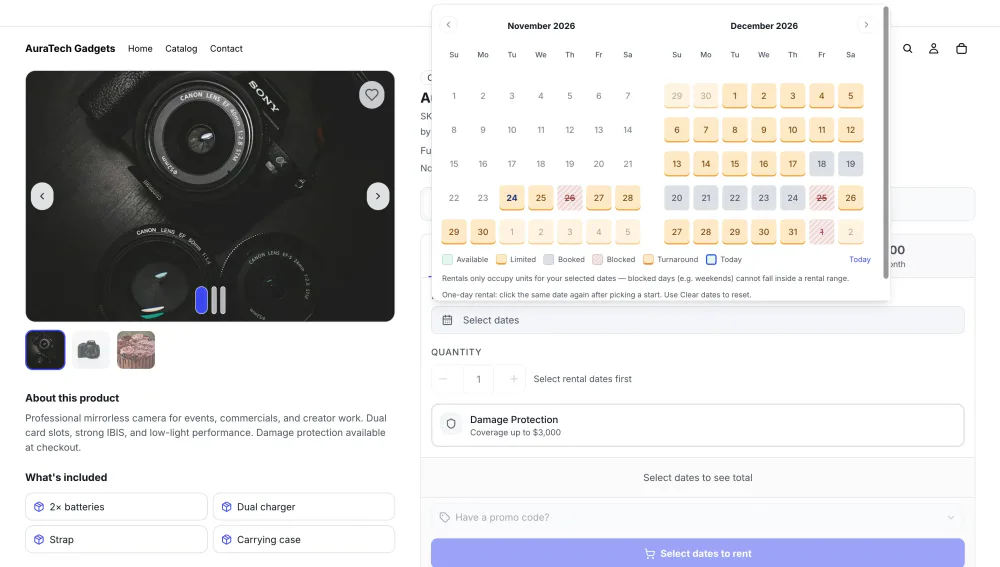
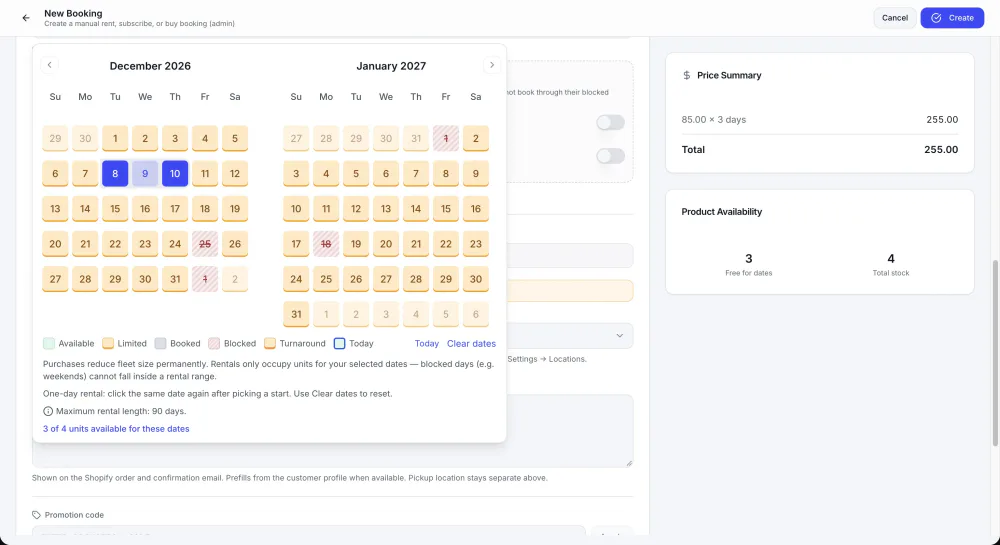
The picker opens over the product page with two months side by side. A legend under the calendar names each colour, so nobody has to guess what a shaded day means.
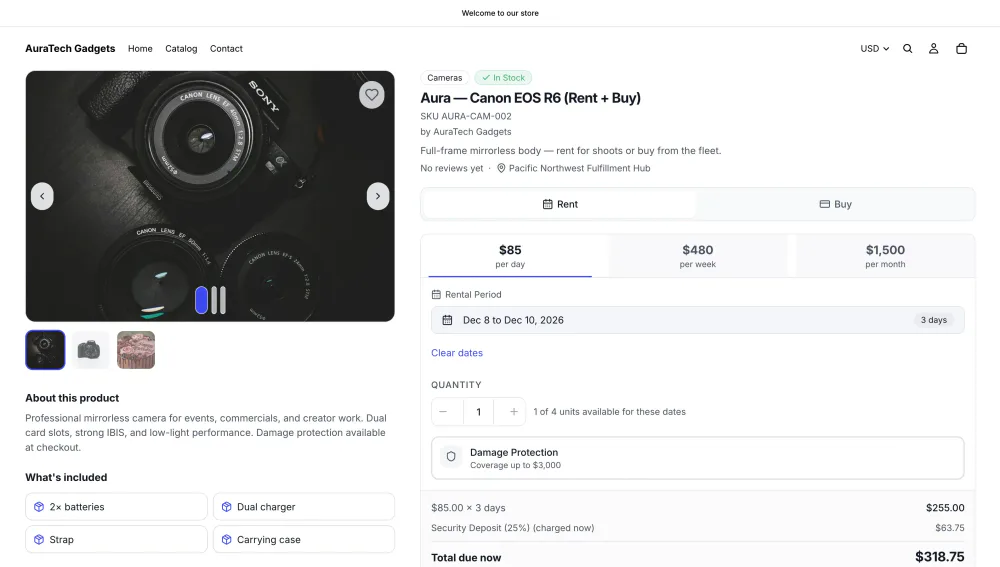
Shoppers click a start day and an end day. For a one-day rental they click the same day twice, and Today jumps back to the current month.
- Available: every unit is free
- Limited: some units are free, not all
- Booked: no units left that day
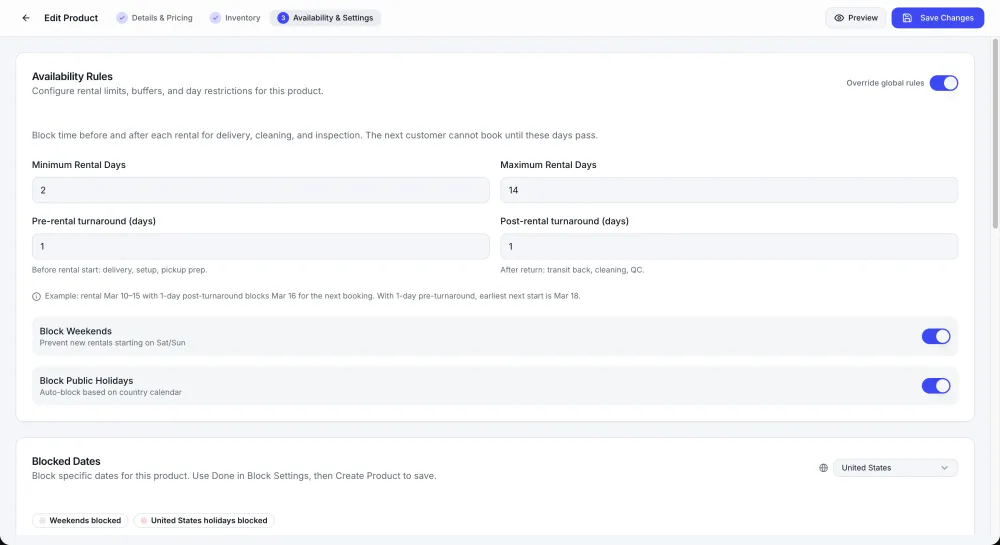
- Blocked: closed by your rules, such as a public holiday
- Turnaround: held for prep or cleaning around another rental