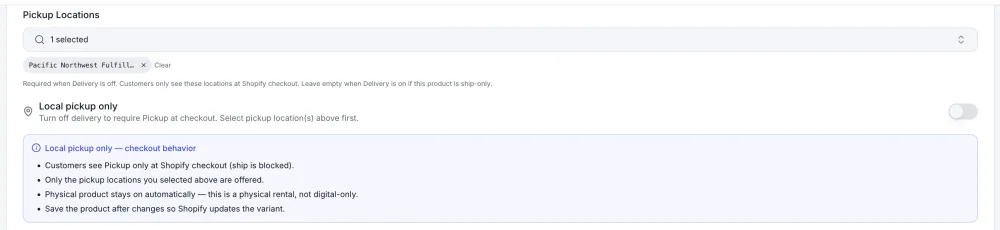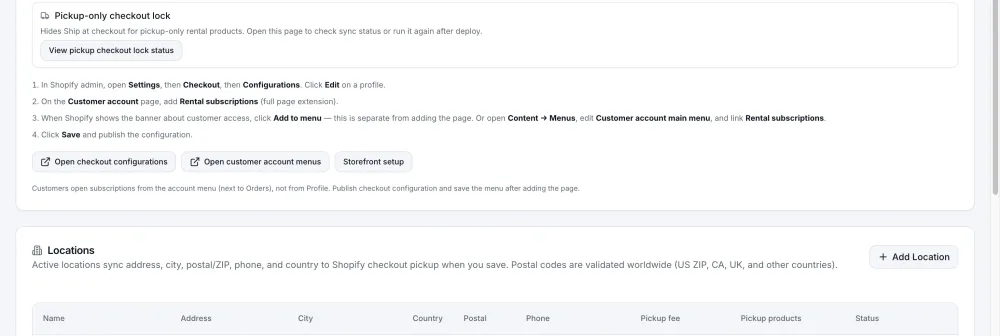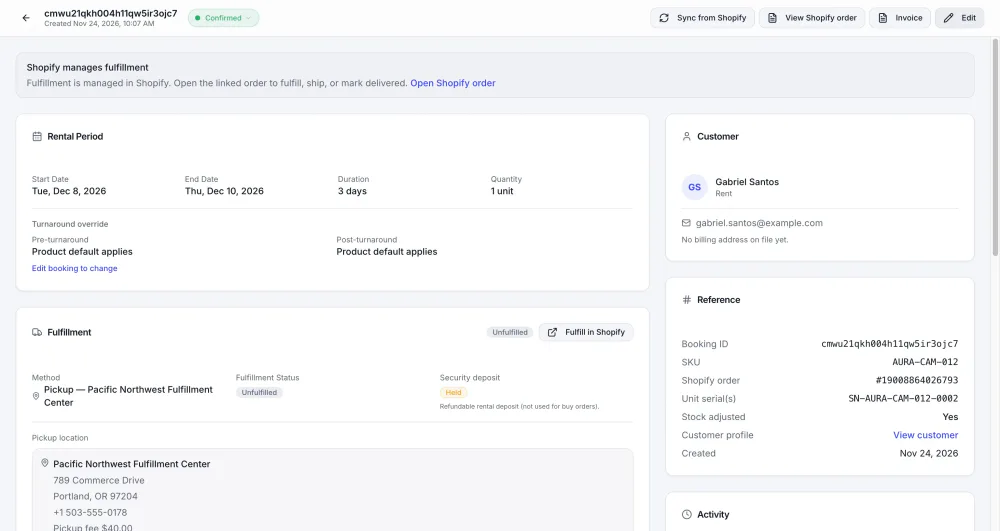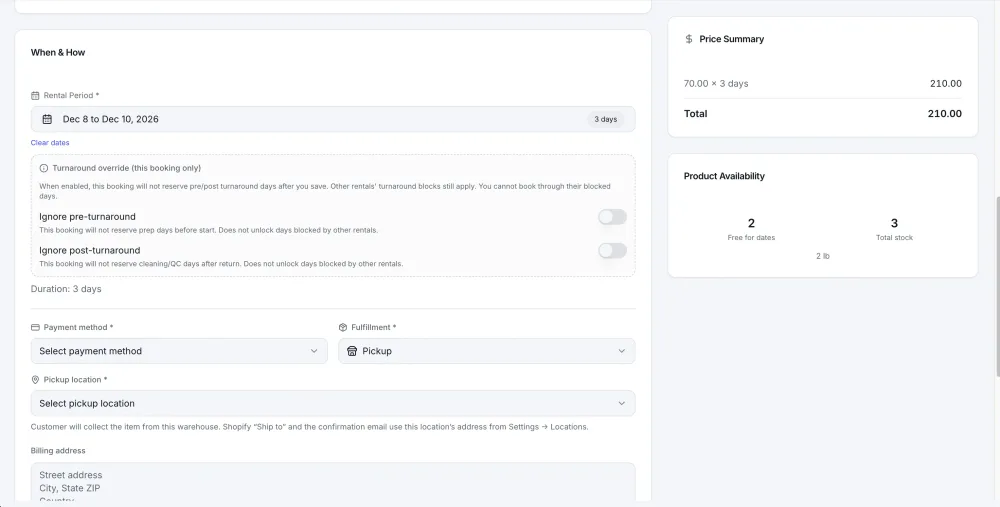
Add your pickup locations
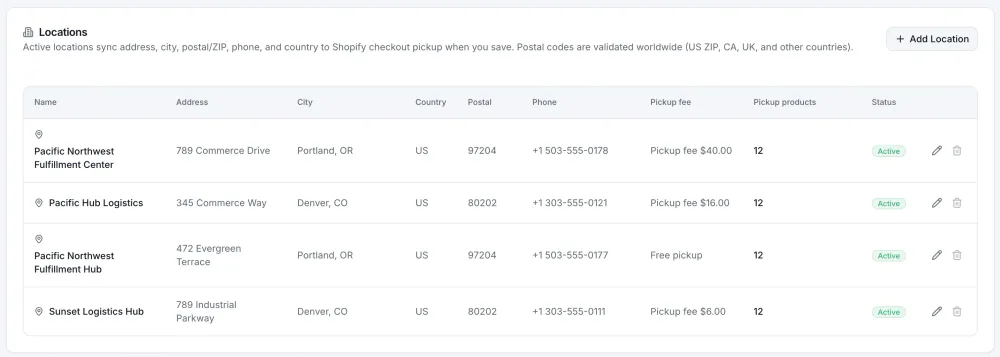
In Settings, Locations, click Add Location and fill in the name, street address, city, country, postal code and phone. Postal codes are checked against the country you pick.
Set a location to Inactive to switch off pickup there: it no longer shows at checkout or on new products, and products keep their link to it in the editor. Renaming a location doesn't break anything, because products keep their link to it.
- Name, address, city, country and postal code
- Phone number for the counter
- Pickup fee, or none for free pickup
- Active or Inactive